
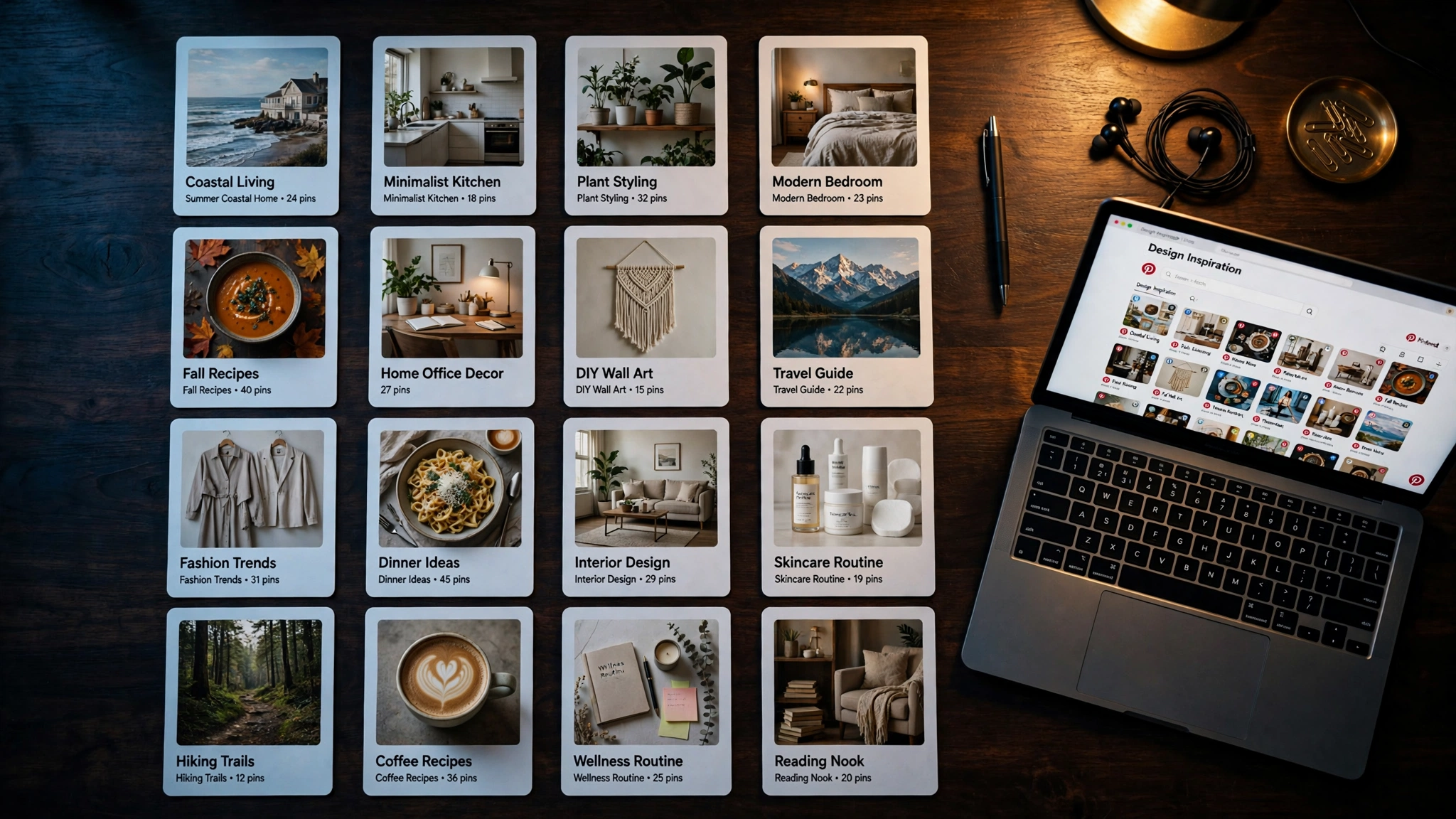
“Pins that sell while you sleep” is the dream every Pinterest side hustle article sells. Here’s the part they usually skip: the pins do work while you sleep — but only after you’ve spent a few weeks building the machine that makes them. Pinterest is a search engine wearing a social media costume. A pin you publish today can send traffic to your blog, your product, or your affiliate link for months or years, because Pinterest ranks content by relevance and quality, not by how new it is. That compounding is real. The timeline is just slower than the screenshots suggest.
The honest frame, as always in this series: most Pinterest accounts earn little in their first 60–90 days while the platform learns what your pins are about. Pinterest doesn’t pay creators directly the way YouTube does — your money comes from where the pins send people. Treat this as Stage 1 and Stage 2 work in the Side Hustle in 2026 Using AI roadmap: fast proof, early traffic, and a funnel that feeds everything else you build.
Why Pinterest Is a Search Engine (And Why That Changes Everything)
On Instagram or TikTok, a post’s life is measured in hours. On Pinterest, users arrive with intent — they’re planning a purchase, a project, a wedding, a room, a business. They search, they save, they click out to websites. Pinterest reports that the overwhelming majority of its top searches are unbranded, which means small creators with the right keywords compete on relevance, not fame.
Two consequences follow. First, keyword research matters more than follower count — a zero-follower account can rank a pin on day one if it matches the search. Second, pins are assets, not posts. A good pin is closer to a blog article in SEO than to a social media update: build it properly once, and it keeps working.
Set Up Like a Business From Day One
- Business account (free): it unlocks analytics and rich pins. If you already have a personal account in the niche, convert it; otherwise start clean.
- Claim your website: this connects your pins to your domain and puts your name on everything pinned from your site. It’s ten minutes and it matters.
- Profile as a search result: your profile name and bio should contain the words your audience searches — “Budget wedding ideas” beats “Sarah’s corner.” Pinterest indexes profile text.
- Boards are keyword containers: create 8–10 boards, each named like a search query (“Small apartment storage ideas,” not “Home stuff”). Board descriptions get two keyword-rich sentences each.
Resist the urge to make 40 boards on day one. Ten tight, well-described boards beat forty vague ones.
What to Pin: Build the Funnel, Not Just the Board
A Pinterest side hustle makes money in exactly three ways, and your pins should be built backwards from one of them:
- Traffic to your own content: pins → blog articles → ad revenue and email signups. Slowest to pay, most durable, and the model this site itself uses.
- Affiliate pins: pins → product pages with your affiliate link where the program and Pinterest’s rules allow it, always disclosed. Faster money, rented land.
- Your own digital product: pins → a template, planner, guide, or printable you sell. Highest margin, and the natural Stage 3 move once traffic exists.
Pick one funnel for your first 90 days. A practical starter ratio: 80% of pins point to your own content, 20% test affiliate or product offers. Every pin needs a destination that matches its promise — a pin titled “7 budget desk setups” must land on exactly that, or Pinterest’s click-quality signals will quietly stop showing your pins.
One blog post should produce many pins: each sub-topic, list item, and image angle becomes a separate pin with its own title and description. This is why Pinterest pairs so well with a blog — the content you already wrote multiplies. (The production system for doing this at volume — 100 pins a week with AI doing the design work — gets its own article in this series.)
Two free features deserve a mention while you set this up. Rich pins pull live data (like article headlines or product prices) from your site onto the pin itself, and they’re free once your site is claimed and validated. Video and idea-format pins earn disproportionate feed space because Pinterest is pushing watchable content; a 20-second screen recording of the process behind your article makes a legitimate second format for the same click destination. Neither is required at the start — both are cheap multipliers once the basic funnel runs.
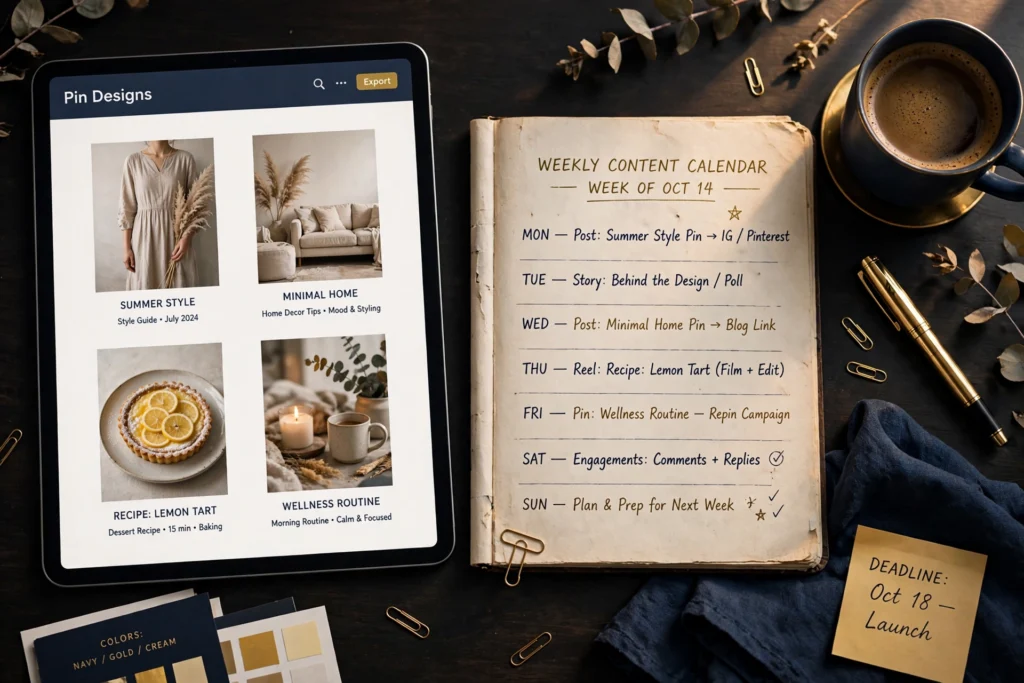
The Weekly Pinning System
Consistency beats volume spikes. A sustainable solo rhythm:
- Batch day (2–3 hours, once a week): design the week’s pins in one sitting using templates, write titles and descriptions with your keywords, and schedule them with Pinterest’s native scheduler or a free-tier scheduler.
- Daily (10 minutes): publish 3–10 pins spread across the day — your new pins plus fresh designs for older posts. “Fresh” means a new image, even for an old URL; Pinterest explicitly rewards fresh pins over repeats of the same image.
- Weekly review (15 minutes): open analytics. Which pins earned outbound clicks (not just impressions)? Make more of those — same topic cluster, new angles. Kill nothing; just reallocate effort.
Expect the first meaningful traffic signal around weeks 4–8. Pins often sit quiet, then get picked up as Pinterest tests them against search results. This lag is normal and is the reason most people quit one month before the curve bends.
Design Pins People Actually Click
You don’t need design talent — you need a template and four rules:
- Vertical, always: 2:3 ratio (1000 × 1500 px) takes the most feed space.
- One idea per pin: the pin is a headline with a picture, not a brochure. If a viewer can’t get it in one second, simplify.
- Readable text overlay: big, high-contrast, 3–7 words. The text promises the click; the image earns the glance.
- Honest imagery: the pin must look like what the click delivers. Clickbait pins get saves-without-clicks and angry bounce-backs, and Pinterest notices both.
AI image tools handle the visuals; templates handle the layout. Your job stays the same as on every engine in this series: judgment — topics, promises, and taste.

The Mistakes That Waste the Engine
- Pinning only other people’s content: fine for a personal account, useless for a business. Your pins must point to your destinations.
- Keyword-stuffed descriptions: write for a human first; Pinterest reads natural language now, and spammy pin spam reads as spam.
- One pin per blog post: you’ve built an asset and used it once. Every post deserves 5–10 pin designs over its life.
- Judging by impressions: a pin with 10,000 impressions and 3 clicks is worse than one with 400 impressions and 60 clicks. Outbound clicks are the metric that pays.
Your First Two Weeks
Set up the business account and boards this week. Pin your existing content — or your first three articles — with five designs each. Then run the weekly system without judging it for 60 days.
Pinterest is the fastest proof machine in this roadmap: the first outbound clicks usually arrive weeks before a YouTube channel finds its footing, and those clicks validate niches and topics you can then turn into videos. When the traffic starts converting into income, plan what it becomes with the Financial Calculators hub — and keep publishing. Pins compound for the person who is still there in month six.
