
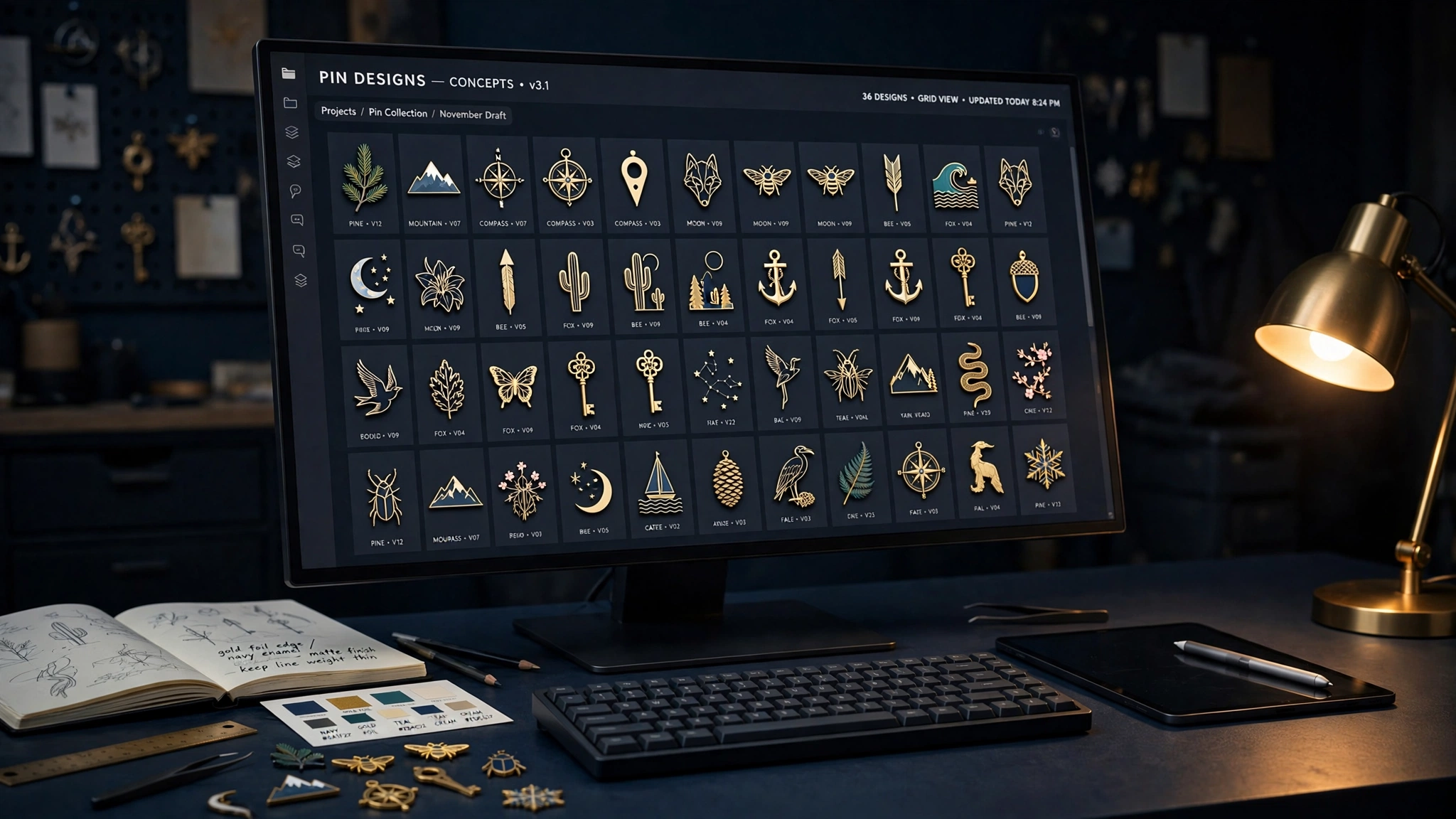
One hundred pins a week sounds like a design agency’s workload. It isn’t — it’s a production line. The creators publishing at that volume aren’t designing 100 unique artworks; they’re running a system where AI generates the raw material, templates enforce the look, and one batching session a week fills the calendar. This article is that system, end to end: how a solo creator with no designer and no design budget produces 100 publishable pins every week.
The honest math first: 100 pins a week only helps if the pins point somewhere worth going and say something worth clicking. Volume amplifies a working funnel — the setup from this series’ Pinterest side hustle guide — it does not rescue a broken one. Expect the production system below to take about four hours a week once it’s running, and expect results to lag production by 4–8 weeks, because that’s how Pinterest’s distribution works. The pins are Stage 2 machinery in the roadmap: fuel for a machine that already proved it works at Stage 1.
The Math: Where 100 Pins Actually Come From
Nobody writes 100 blog posts a week, and you don’t need to. The pins come from multiplication, not creation:
- 10 pieces of content (articles, videos, products — yours, published over time) × 10 pin designs each = 100 pins.
- Each piece of content contains multiple pin-able units: every H2 section, list item, quote, stat, and step is a separate pin with its own angle.
- Each unit gets 2–3 design treatments: a photo-led version, a bold text-overlay version, and an AI-scene version.
Early on, when you have little content, the same multiplication works at smaller scale — 3 posts × 10 designs = 30 pins a week is a perfectly good starting line, and the system below scales as your library grows. The point is the ratio, not the round number: every asset you own should be working ten times, not once.
Build the Template Kit First (One Time, Two Hours)
Consistency is what makes 100 pins look like a brand instead of a yard sale. Before producing anything, build a small kit in a free design tool:
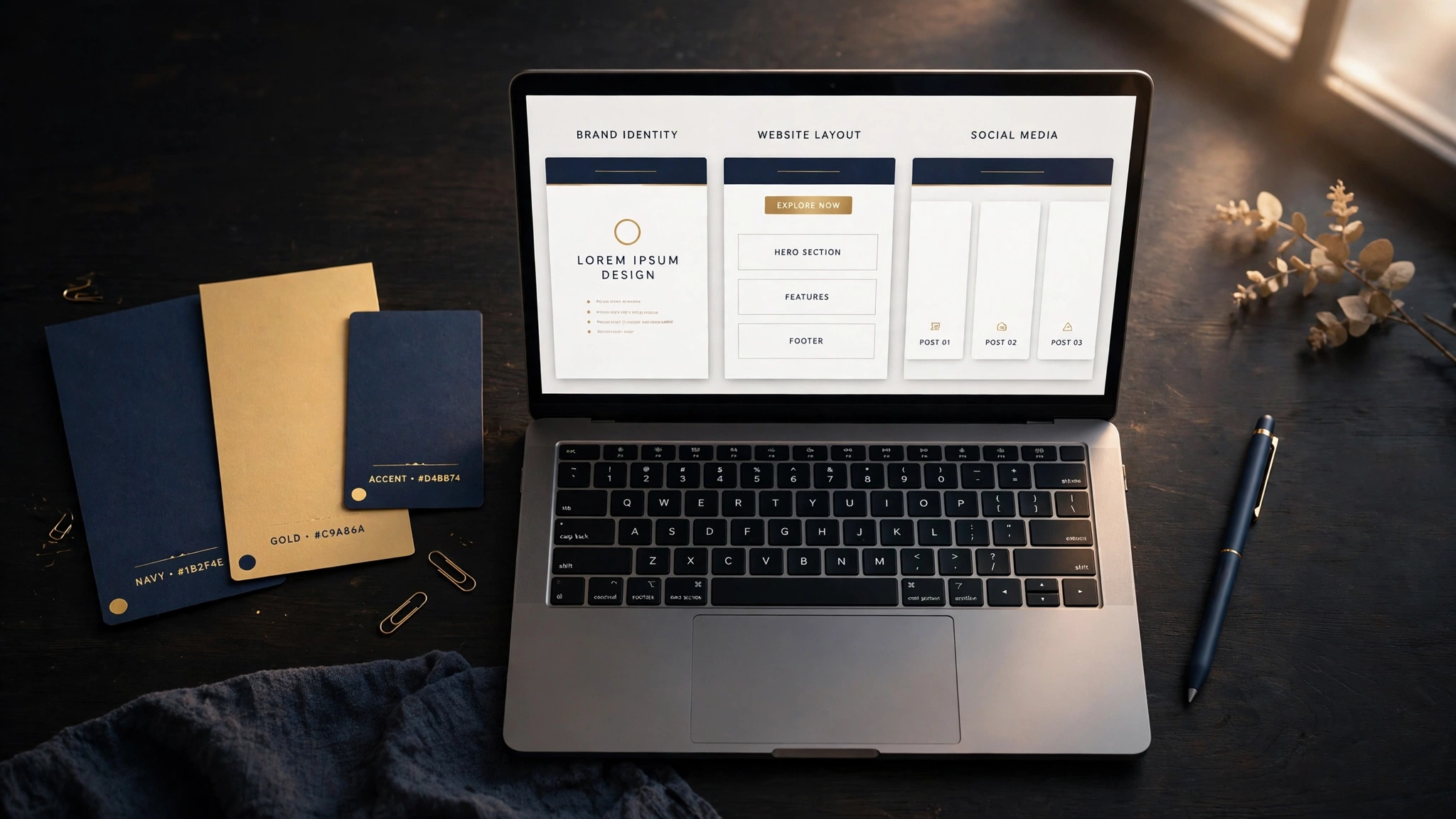
- Three master templates at 1000 × 1500 px (the 2:3 ratio Pinterest rewards): one photo-led with a bottom text band, one bold headline with an AI image filling the frame, one clean list/step layout.
- Fixed brand elements: two fonts maximum, your navy-and-gold (or your own two-colour) palette, and your domain name small at the bottom of every pin. Same position, every time.
- Headline formulas saved as text blocks: “7 ___ That ___,” “How to ___ Without ___,” “Stop Doing ___. Do This Instead,” “___ Mistakes Beginners Always Make.” You’ll fill blanks, not invent headlines.
This kit is the whole secret. After it’s built, “designing” a pin means: drop in an image, swap the headline, export. Ninety seconds each.
The Production Line: 100 Pins, Step by Step
Step 1: Extract the Angles (30 minutes)
Take the week’s content pieces and list every pin-able unit in a spreadsheet: the section, the promise, the keyword it targets. Pull the keywords from Pinterest’s own search suggestions — type your topic into Pinterest search and harvest the autocomplete phrases. Twenty minutes of this gives you the full week’s pin list before a single image exists.
Step 2: Generate the Images in Bulk (45 minutes)
Feed your angle list to your AI image tool in one sitting. Prompt with the formula: subject + setting + lighting + “vertical composition, space at the bottom for text.” Generate two options per pin and keep the better one. One rule that separates pros from spam: the image must honestly represent the click destination. A pin that lies gets saves without clicks, and Pinterest quietly stops distributing accounts whose click-through doesn’t match their promise.
Step 3: Assemble in Templates (90 minutes)
Work through the spreadsheet row by row: template, image, headline, export, next. Batch by template — all the photo-led pins first, then all the headline pins — because staying in one layout is dramatically faster than switching. Name files by keyword (“budget-desk-setup-small-apartment”) so uploads stay organised.
Step 4: Write Titles and Descriptions (45 minutes)
Titles are headlines with keywords, written for a human: the template formulas already contain the structure, so add the specific search phrase naturally. Descriptions get two sentences — what the click delivers, and the keyword phrase used once, in a real sentence. AI drafts these in batches from your spreadsheet; you edit for honesty and voice. Never paste raw AI output: sameness is visible, and your descriptions are a trust surface.
Step 5: Schedule the Week (20 minutes)
Upload everything into Pinterest’s native scheduler or a free-tier scheduling tool, spread across the week — 12–15 pins a day beats 100 in one hour. Mix the new pins across your boards by topic, and interleave designs for older content so your back catalogue keeps compounding alongside the new material.
The Weekly Rhythm at a Glance
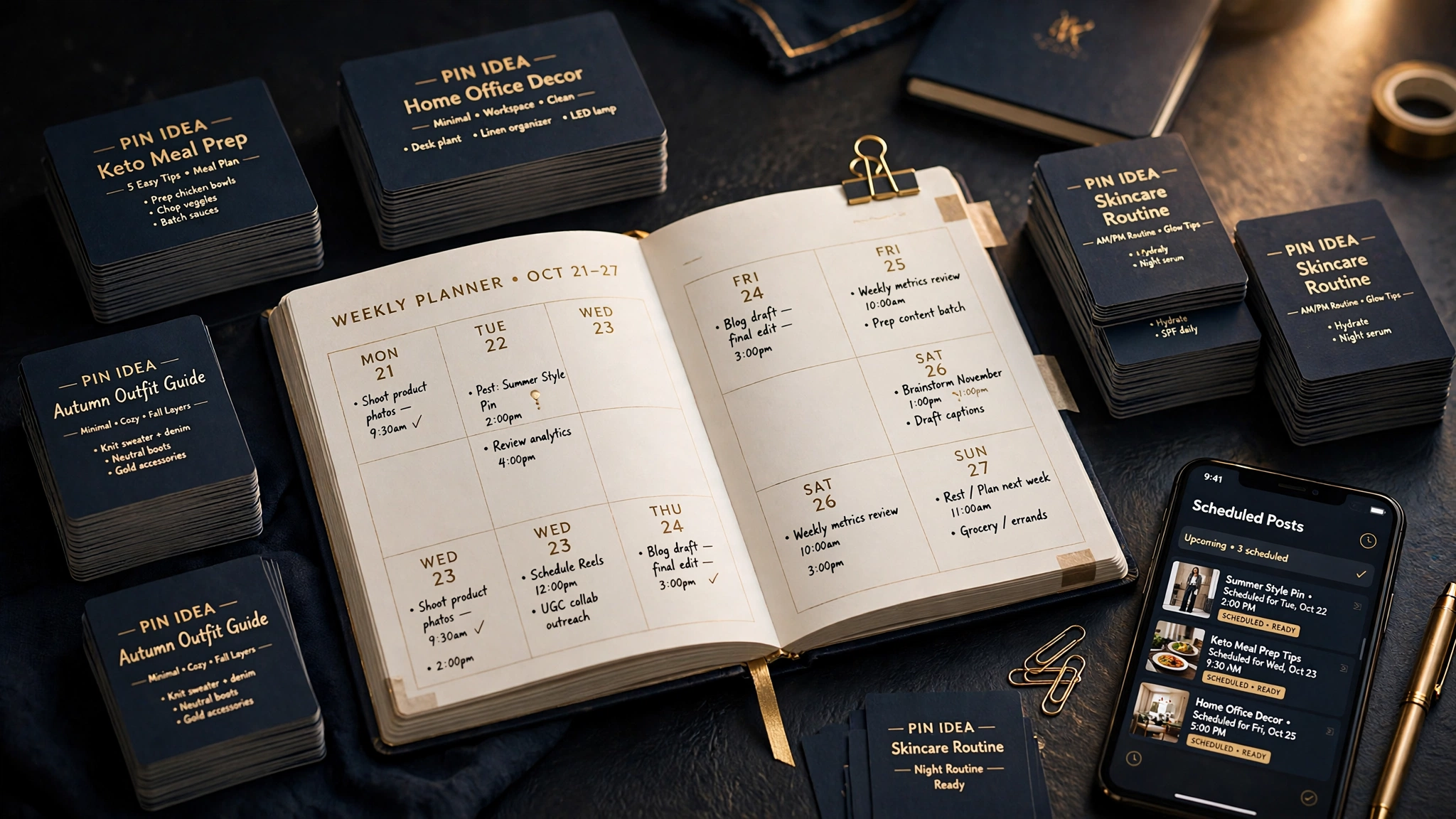
- One batch session (~3.5–4 hours): angles → images → assembly → copy → scheduling. One sitting, one playlist, done.
- Daily (5 minutes): check that scheduled pins published, reply to any comments, glance — only glance — at analytics.
- Monthly (30 minutes): review outbound clicks by board and template. Retire the worst-performing template treatment, double the best. Your kit improves every month without a redesign.
Expect roughly an 80/20 shape to your results: a fifth of your pins will produce most of your clicks, and you cannot predict which fifth in advance — that’s precisely why the volume matters. The system isn’t gambling; it’s buying information. Every quiet pin still teaches the algorithm what your account is about, and every winner gets cloned with new angles in the next batch.
Keep It Fresh: Pinterest’s One Real Demand
Pinterest explicitly rewards fresh pins — new images, even when they link to URLs you’ve pinned before. It also means the reverse: re-uploading the identical image file repeatedly is wasted effort and can read as spammy. The production line handles this naturally, because every cycle generates new imagery for old content. If you’re ever tempted to buy a pack of 5,000 ready-made pins instead — don’t. Duplicated across hundreds of accounts, they carry no freshness and no brand, and they’re the fastest route to looking like exactly what you aren’t: a content farm.
The Mistakes That Stall the System
- Designing before templating: every pin from scratch means 15 minutes each and a system that collapses by week three.
- Text overlays nobody can read: thin fonts and low contrast over busy photos. If you can’t read it at arm’s length on a phone, it doesn’t exist.
- All pins to one URL: ten designs pointing to ten different relevant pages outperform a hundred pins hammering your homepage.
- Skipping the review: production without the monthly template cull means you scale your worst designs as faithfully as your best.
Start at Your Scale This Week
Build the three templates this weekend — two honest hours. Run the line at whatever your content library supports: 30 pins, 50 pins, the full 100. The system doesn’t care about the number; it cares that next week’s batch is easier than this week’s.
That’s the real product of this workflow: not pins, but a machine that turns every article and video you ever make into a standing army of traffic assets. Feed it from the other engines in this series, send the traffic somewhere it converts, and when the income starts arriving, give it direction with the Financial Calculators hub. One batch a week. Every week. That’s the job.
