
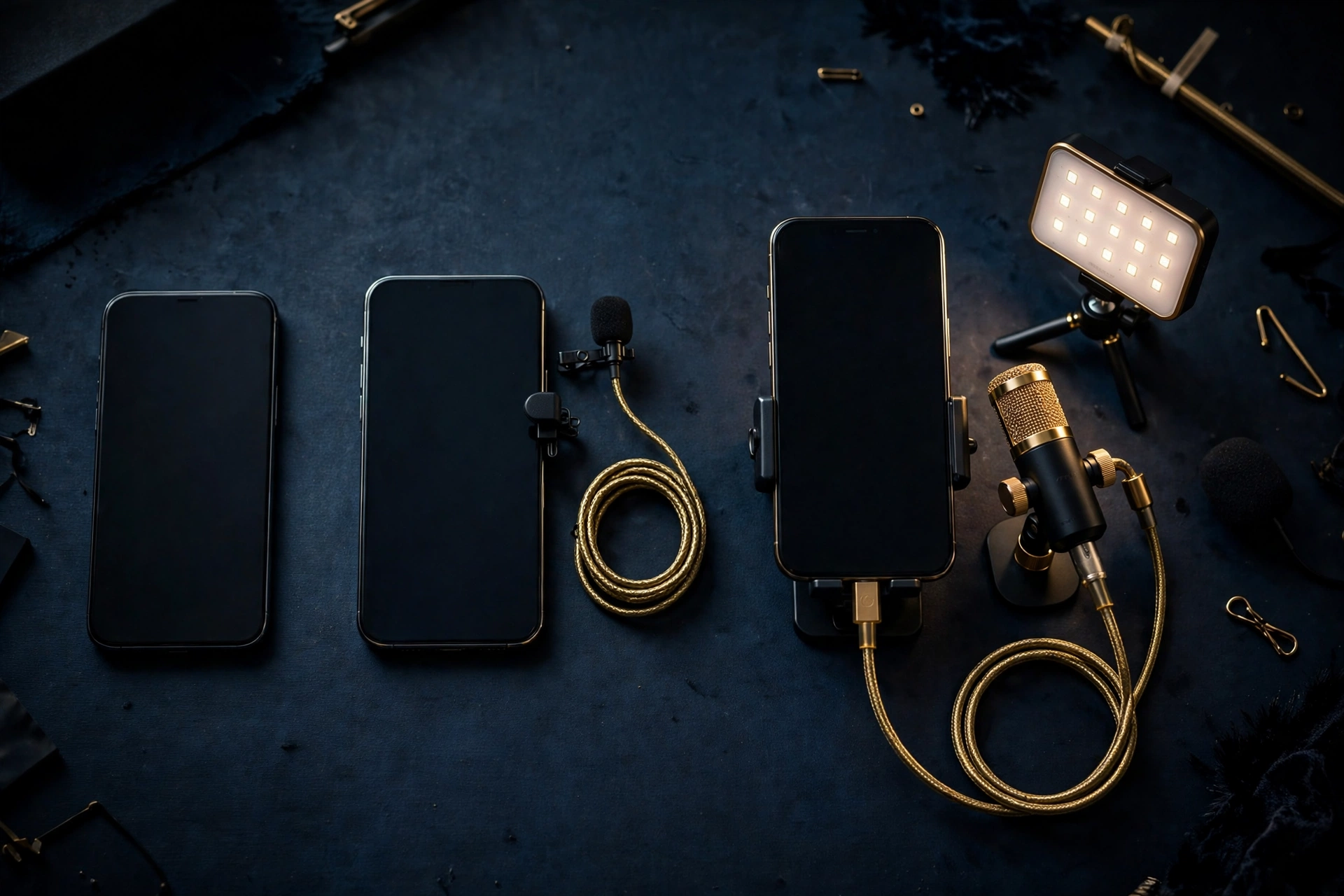
Faceless YouTube gear is the most over-shopped and under-thought topic in the creator world. Beginners buy cameras for a channel whose entire point is that no camera is needed, then record their voiceovers on a laptop microphone in a tiled kitchen and wonder why retention dies in twenty seconds. This guide fixes the order: three budget tiers — $0, about $25, and about $100 — each buying only what the next level of quality actually requires.
The honest note first: gear is the smallest variable in whether a faceless channel works. Topic choice, scripts, and publishing consistency outrank equipment by an order of magnitude, and no microphone ever saved a boring video. Prices below are approximate street prices for the category, not promises about specific products — they move by region and season. Buy in the order shown, only when the tier below is genuinely limiting you, and let revenue from the channel fund the upgrades whenever possible. This is Stage 1 discipline from the Side Hustle in 2026 Using AI roadmap: the business pays for its tools, in order.
The Only Gear Rule That Matters
Audio first, always. Viewers forgive mediocre visuals — stock footage is stock footage — but they leave bad audio within seconds and rarely know why. A faceless channel is a voice with pictures attached; the voice is the product. So every tier of this guide spends its first dollar on sound, its second on the consistency of your recording environment, and nothing on cameras at all. If you remember one sentence: a $25 microphone in a quiet room beats a $300 microphone in an echoing one.
The second rule: environment before equipment. A wardrobe full of hanging clothes is a free recording studio — soft surfaces eat echo. Record there, or under a blanket fort, before spending anything. Most bad microphone problems are bad-room problems.
The $0 Setup: What You Already Own
This is the complete launch kit, and thousands of monetized channels started exactly here:
- Voice: your phone’s voice recorder app, recorded in a closet or car (parked, engine off — cars are genuinely excellent small padded rooms). Phone mics at close range, in a soft space, sound far better than beginners expect. Alternatively, free text-to-speech tools if you prefer an AI voice — with the originality rules from this series in mind: your script, your structure, your edits.
- Visuals: free stock footage and photo libraries, plus free AI image generation for scenes stock can’t cover. One visual change every 3–5 seconds, as the faceless workflow in this series prescribes.
- Editing: free editors — CapCut desktop or DaVinci Resolve — cover cuts, captions, zooms, and music. Nothing in a faceless video requires paid software.
- Thumbnails: a free design tool, three words maximum, readable at postage-stamp size.
- Lighting/camera: none. There is no camera in this business model. That line item in other gear guides is for a different channel than yours.
Total spent: $0. Total excuses remaining: also $0. Publish ten videos on this tier before judging it — the limitation you feel at video two is skill, not equipment, and it fixes itself with reps.
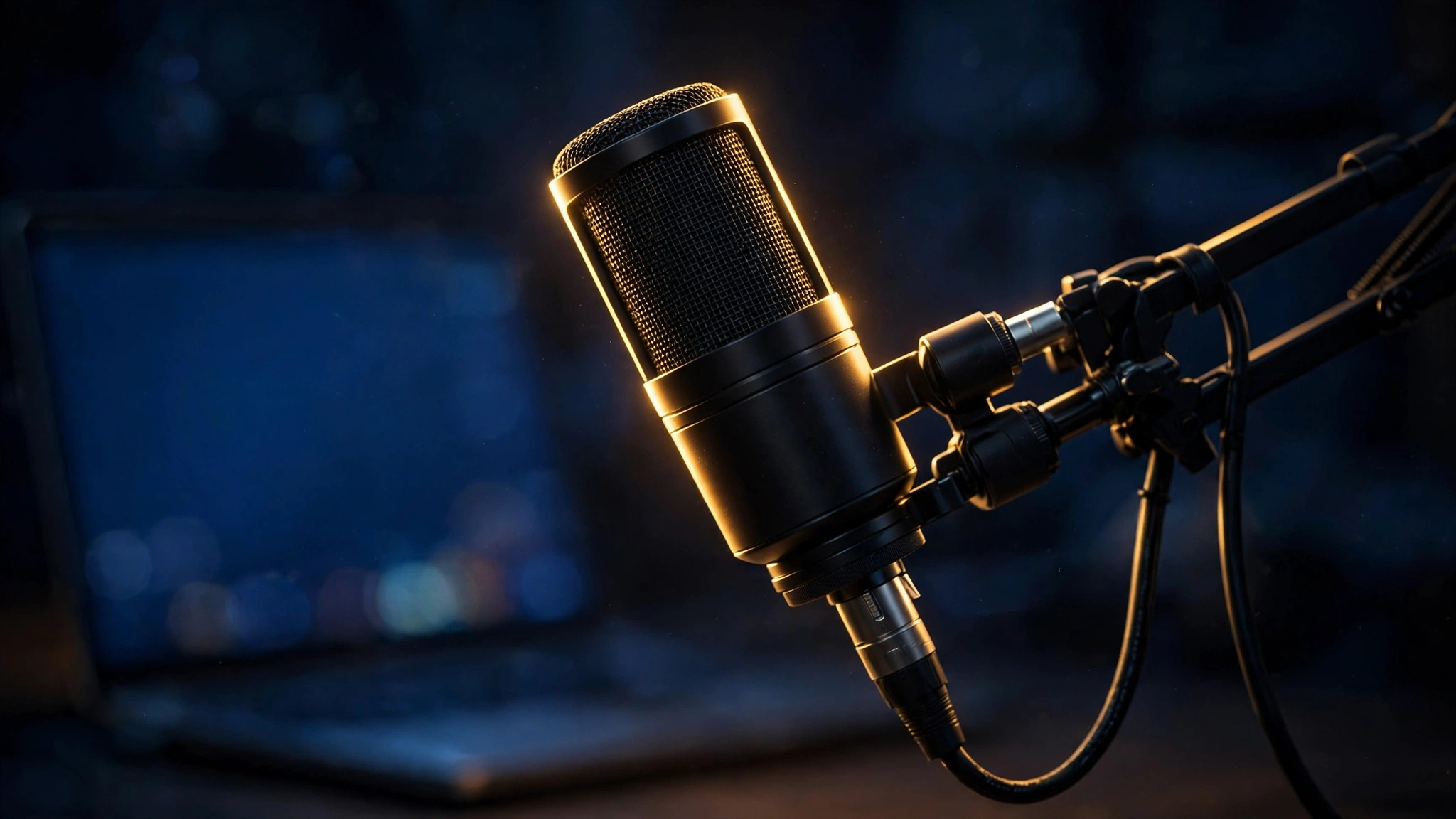
The $25 Setup: Fix the Audio First
When the $0 tier’s ceiling is real — you’ve published consistently and close listening shows the phone recording is the weak link — spend the first money here:
- A wired lavalier (clip-on) microphone, roughly $10–20. Plugs into your phone or laptop, clips to your shirt, and puts the mic 20 cm from your mouth — the single biggest audio upgrade available at any price, because distance to the mic matters more than the mic itself. This is the highest-value purchase in this entire guide.
- Or a basic USB headset/microphone in the same range if you record at a desk and prefer not to clip anything on. Choose one; owning both is Stage 1 clutter.
- DIY pop filter, ~$0–5: a stretched stocking over a bent hanger, or simply record slightly off-axis. Plosive blasts (the p sounds) ruin more beginner audio than noise does.
- Free upgrade that costs nothing: record at the quietest hour you have, turn off the fan and fridge hum sources you can, and keep the same setup every session — consistency of sound across videos is a quality signal viewers feel without naming it.
Notice what isn’t here: no interface, no condenser, no studio bundle. At $25 the lavalier and the quiet room do 90% of the work.
The $100 Setup: Comfort and Consistency
At roughly $100 total (not $100 more per item), buy the setup that makes recording effortless enough to sustain for a year:
- A USB condenser microphone, roughly $50–80. Desk-plug simple, no interface needed, a clear step up in richness for narration. Mount it close — on a stack of books if needed — because proximity still beats price.
- A basic boom arm or desk stand, roughly $15–25, if not included. Getting the mic off the desk kills keyboard and table-thump noise and keeps your posture natural across long scripts.
- Closed-back headphones you may already own for editing — hearing your own audio honestly matters more at this tier than recording it. If buying, the cheapest closed pair you find is enough; you’re checking for clicks, echoes, and level jumps, not mixing music.
- Treat the room with what exists: curtains, a rug, bookshelf behind the mic position. Save the foam panels for never — they treat high frequencies only, look like a podcast starter pack, and the closet already outperformed them at tier $0.
What Not to Buy at Any Tier
- A camera. Faceless means faceless. If a future format needs footage, your phone already shoots it.
- Paid stock subscriptions before monetization. Free libraries cover Stage 1; subscriptions are a Stage 3 convenience bought with revenue.
- AI automation software bundles promising one-click channels. They produce the reused-content pattern that gets channels rejected from the partner program — the workflow in this series is the automation, and it’s free.
- A better computer. Free editors run on modest hardware at 1080p. Upgrade when exports, not opinions, say so.
How to Know a Tier Is Actually Limiting You
Upgrade on evidence, not itch. The $0 tier is limiting you when listeners or comments mention audio quality unprompted, when you can hear the echo yourself in every recording despite the closet setup, or when editing takes longer than recording because you’re fixing sound. The $25 tier is limiting you when your scripts get longer and more nuanced — interviews, storytelling, emotional narration — and the lavalier’s thin sound is flattening delivery you know is better in the room. And some ceilings never arrive: plenty of channels monetize and stay monetized on the $25 setup forever, because their niche rewards information over atmosphere. Let the channel’s numbers file the purchase request, and let the channel’s revenue pay it.
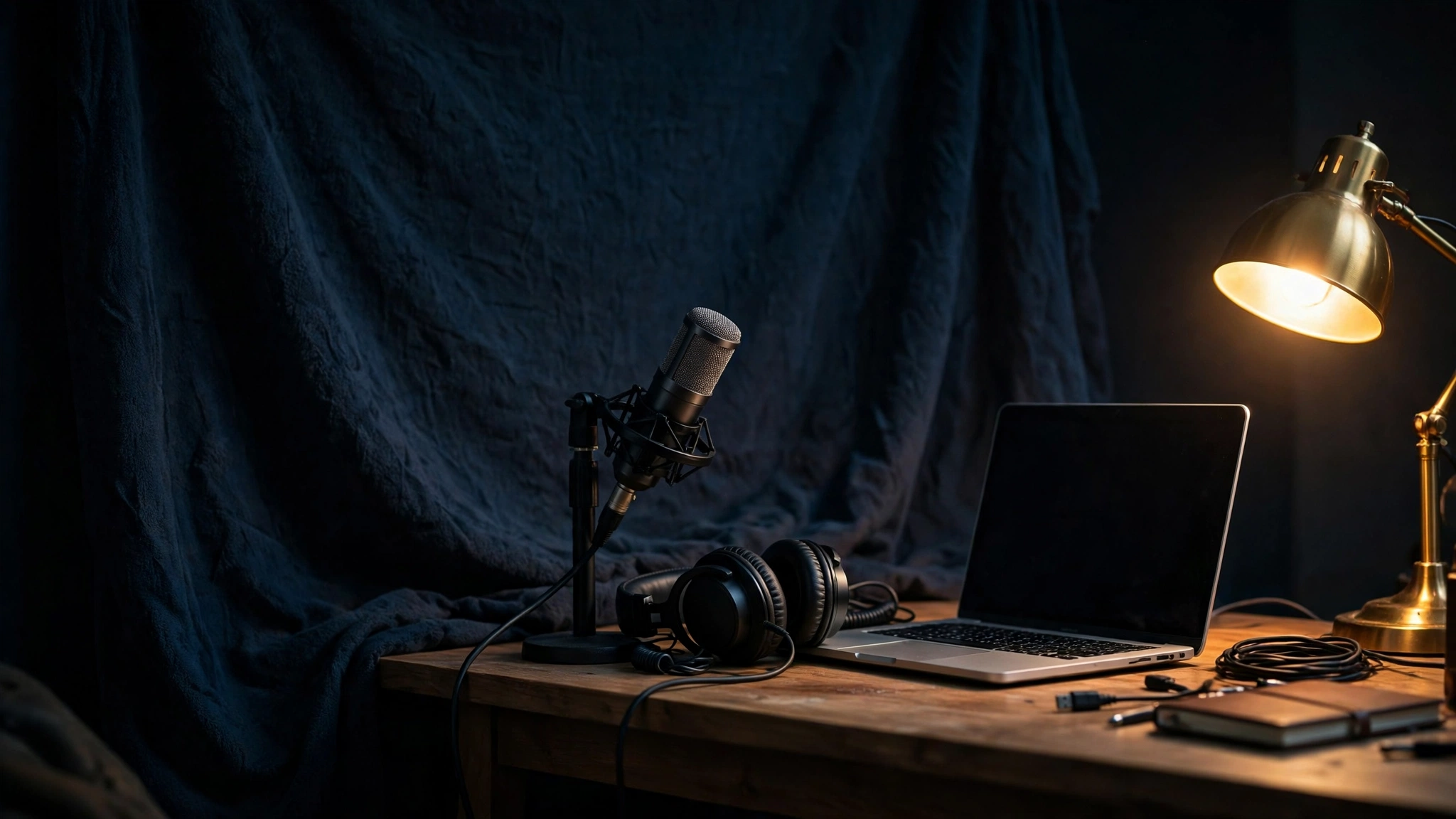
Gear Is a Servant, Not the Strategy
$0 to start, $25 to fix the audio, $100 to make it effortless — that is the whole gear roadmap, and it tops out below what most beginners spend in their first panicked week. The channel grows on topics, scripts, and schedule; the gear just has to stop being the excuse.
When revenue starts funding the upgrades, plan the splits with the Financial Calculators hub, and keep the full picture in view in the Side Hustle in 2026 Using AI roadmap.
Record one video on the $0 tier this week. Your closet is a studio. Your phone is the gear. Go.
