
A faceless YouTube channel is exactly what it sounds like: a channel where the videos carry the value and your face never appears. Scripts written with AI help, a voice that isn’t yours (or is yours, recorded from your phone), stock footage or AI visuals, and editing done on free software. In 2026 this is not a loophole or a shortcut — it’s how a large share of successful education and entertainment channels already operate.
The honest note first, because it matters: starting costs $0, but “free to start” is not the same as “easy money.” Most faceless channels earn nothing for their first few months, and many never take off at all. YouTube’s partner program requires 1,000 subscribers and 4,000 watch hours (or 10 million Shorts views) before ads pay you a cent. What this article gives you is the correct setup and workflow — the part you control. The growth still depends on topic choice, consistency, and time.
This is the YouTube engine of the Side Hustle in 2026 Using AI roadmap — the slowest engine to start, and the strongest one once it compounds.
What a Faceless Channel Actually Runs On
Strip away the guru talk and a faceless channel has five parts: a niche, a script, a voice, visuals, and packaging (title + thumbnail). Every one of those can now be produced with free or free-tier AI tools. Your real job is not production — it’s judgment. Choosing topics people actually search for, writing hooks that hold attention for the first 30 seconds, and publishing on a rhythm you can sustain for six months.
That last part is the filter most people fail. A faceless channel is a volume-and-patience business: the first 20 videos are tuition, not income. Channels that survive treat them that way.
Step 1: Pick a Niche You Can Feed for a Year
The niche decision matters more than any tool. Use three tests:
- Demand: people already search for these topics on YouTube. Check by typing seed words into YouTube search and reading the autocomplete suggestions — those are real queries.
- Advertiser value: niches touching money, health, business, tech, and education attract higher ad rates than pure entertainment. (We break down the seven strongest options in this series’ faceless niches article.)
- AI-producibility: the content must work without a camera — explainers, stories, lists, comparisons, and case studies all qualify. Product reviews that require holding the product do not.
Pick one niche, not three. A channel about “finance stories and space facts and cooking tips” gives the algorithm no audience to build. One niche, one viewer, one promise on the banner.
Step 2: Set Up the Channel Properly (One Hour)
Create a dedicated Google account for the channel — keep it separate from your personal account from day one. Then:
- Name: short, niche-obvious, no numbers or symbols. A viewer should guess the topic from the name alone.
- Banner and profile image: generate both with a free AI image tool. Dark, simple, one clear promise in the banner text (“One money story, every day”).
- About section: two sentences — what the channel posts and how often. Add your posting schedule; it quietly commits you.
- Playlists from day one: create 2–3 playlist shells for your content pillars. Playlists are how small channels manufacture watch time.
The $0 AI Stack
You do not need paid tools to start. The free stack that thousands of channels run on:
- Scripts: a free-tier AI chat assistant. Prompt with structure — hook, three to five points, story beats, closing question — never “write me a video about X.” Structure in, quality out.
- Voiceover: free text-to-speech tools, or your own voice recorded on a phone in a quiet room with a blanket over your head (genuinely studio-grade acoustics). Many top faceless channels use the creator’s real voice; the face is what’s optional, not the humanity.
- Visuals: free stock footage libraries and AI image generation for scenes stock can’t cover. Match one visual change every 3–5 seconds — retention dies on static screens.
- Editing: free editors (CapCut desktop or DaVinci Resolve) handle everything a faceless video needs: cuts, captions, zoom punches, background music.
- Thumbnails: a free design tool plus one rule — three words maximum, one face-like focal image (an object works), readable at postage-stamp size.
Upgrade only when revenue arrives. Every dollar of tool cost before monetization is a dollar your Stage 1 budget didn’t need to spend.
Your First Video, Start to Finish
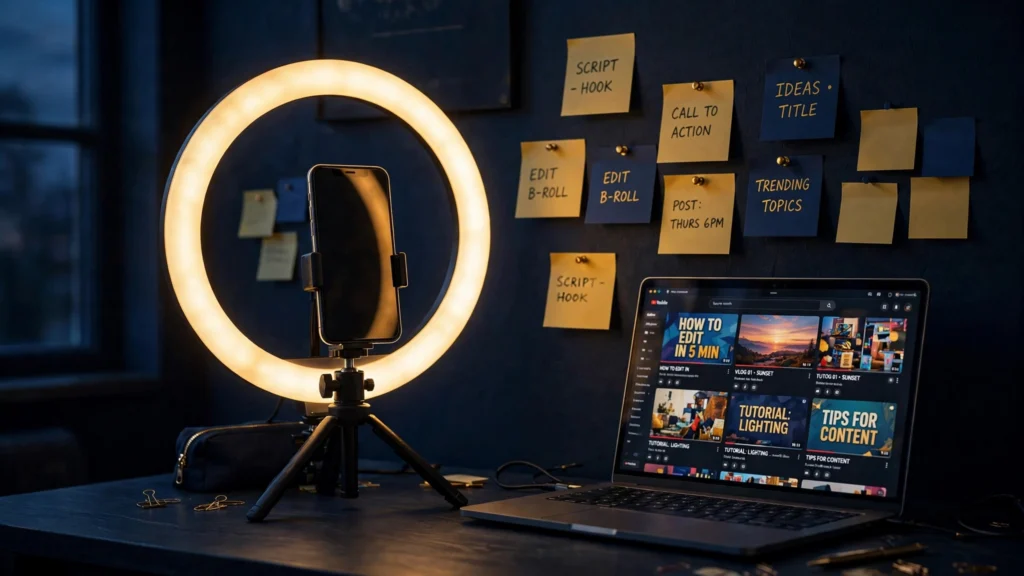
Here’s the full workflow for video one. Steal it exactly:
- Topic (30 min): take the autocomplete list from Step 1, pick the question with the clearest viewer pain. “Why do lottery winners go broke” beats “personal finance tips.”
- Script (1 hour): AI draft → your rewrite. Read it aloud. Cut every sentence that doesn’t earn its place. Target 1,200–1,500 words for an 8–10 minute video.
- Voice (20 min): generate or record the voiceover in one take, mistakes and all — you can patch lines, not energy.
- Visuals (1 hour): pull 25–40 clips or images, one per script beat. Lay them over the voice track.
- Edit (1–2 hours): captions on (most viewing is muted), music low, a visual change every few seconds, no intro longer than 3 seconds.
- Package (30 min): title = curiosity + specificity (“He Won $300M. He Lost It in 5 Years.”). Thumbnail = the single most dramatic frame, three words.
- Publish and log it: every video goes in a simple spreadsheet — topic, hook, views at 7 days. This log is how amateurs become operators.
Total: roughly half a day for video one, and it gets faster every week as your prompts and templates settle. By video ten, most creators run this in under two hours.
The First 90 Days: What to Expect
Set the expectation now so month two doesn’t break you: views will be small and uneven. One video may get 40 views, the next 4,000, the next 60. That randomness is the algorithm testing your content against small audiences — it’s data, not verdict.
Your only metrics for 90 days: Did I publish on schedule? Is each video’s first-30-seconds retention better than the last? Everything else is noise at this size. The roadmap stages apply here directly — this is Stage 1 work, and Stage 1 is about proof and reps, not revenue.
One more expectation worth setting: your tenth video will be embarrassingly better than your first, and that gap is the tuition paying off. Creators who rewatch their first upload at day 90 and cringe are doing it right — the cringe is the skill arriving. Keep every video public unless it contains an actual error; your early catalogue is proof of the journey, and viewers who find you later will binge it backwards.

The Mistakes That Kill Faceless Channels
- Reused content violations: uploading stock footage with a robotic voice and no original value breaks YouTube’s reused content policy and gets channels rejected from the partner program. Your script, structure, and commentary must be genuinely yours — AI assists, you author.
- Copyright shortcuts: movie clips, other creators’ footage, and unlicensed music end channels. Stock libraries and royalty-free music exist precisely for this.
- Niche hopping: five videos in finance, then gaming, then news. The algorithm can’t build you an audience out of strangers.
- Quitting at video 12: the most common cause of death. Compounding is the entire model; there is no version of this that pays in week three.
Start This Week
You now have the whole play: one niche, the free stack, the seven-step workflow, and honest expectations for the first 90 days. The only remaining variable is whether video one exists by Sunday.
Keep the roadmap in view — this channel is one of three engines, and the traffic strategies in this series (Pinterest for fast clicks, Reddit for validation) are built to feed it. And when the first AdSense payment eventually lands, run it through the Financial Calculators hub before you spend it — Stage 2 money deserves a plan, not a shopping spree.
One niche. One video. This week.
