

Pinterest runs on a different clock from every other platform. On Instagram, you post about an event while it’s happening. On Pinterest, the people planning a wedding, a Ramadan table, or a child’s first school term start saving ideas six to twelve weeks before the day itself — and the pins that win those saves were published before most creators had even thought about the season. A pinterest content calendar built around seasons is how a one-person side hustle out-publishes people who post “when inspired.”
The honest note: seasonal planning improves your odds and your timing; it does not guarantee traffic or sales. Pinterest still rewards genuinely useful pins, and a beautiful calendar full of weak content is just organised weakness. Treat what follows as a timing system for good pins, not a trick. It’s the Pinterest engine of the Side Hustle in 2026 Using AI Roadmap, and timing is the one advantage that’s free.
Pinterest Runs 45–90 Days Ahead of the Real World
Pinterest is a planning tool disguised as a social app. Its users are future-focused: brides planning for next season, families preparing a month of Ramadan evenings, students organising a new term. Pinterest’s own guidance to creators has consistently been to publish seasonal content around 45 days before the event — and for the biggest holidays, 60+ days before. Christmas planning starts in October, not December. That’s the whole game.
That single fact reorganises your whole year. Your Ramadan content is a January job. Your wedding content is a February-to-May job. Your back-to-school content is a June job. Do it in the season and you’re competing with everyone. Do it 45–90 days early and you’re the only pin on the board when people start searching.
The Three Seasons That Carry the Year
Dozens of moments compete for a calendar, but three seasons anchor almost any profitable niche:
- Wedding season. Enormous, emotional, expensive — and long. Engagement season (December to February) bleeds into spring weddings, which bleed into summer weddings. The search window runs from December through August, with different questions each month: proposals in winter, venues in spring, honeymoon ideas in summer.
- Ramadan. A concentrated, high-intent month with a clear start and a clear end. Ramadan 2027 is expected to begin around 8 February, so the search window sits in late December and January — before the month, not during it. For food, decor, gift and family content, Ramadan is one of the highest-converting seasons on the whole board.
- Back-to-school. Short, sharp and commercial. The search window opens in June, peaks in July and closes in September. Parents buy in July for an August or September start, and the pins that win are checklists, printables, lunch ideas and organisation systems — practical things, saved and shared fast.
Around these anchors, smaller moments slot in naturally: Eid, New Year planning, graduation, summer travel, harvest season. The skill is not finding more seasons — it’s resisting them, and building properly for the three that matter.
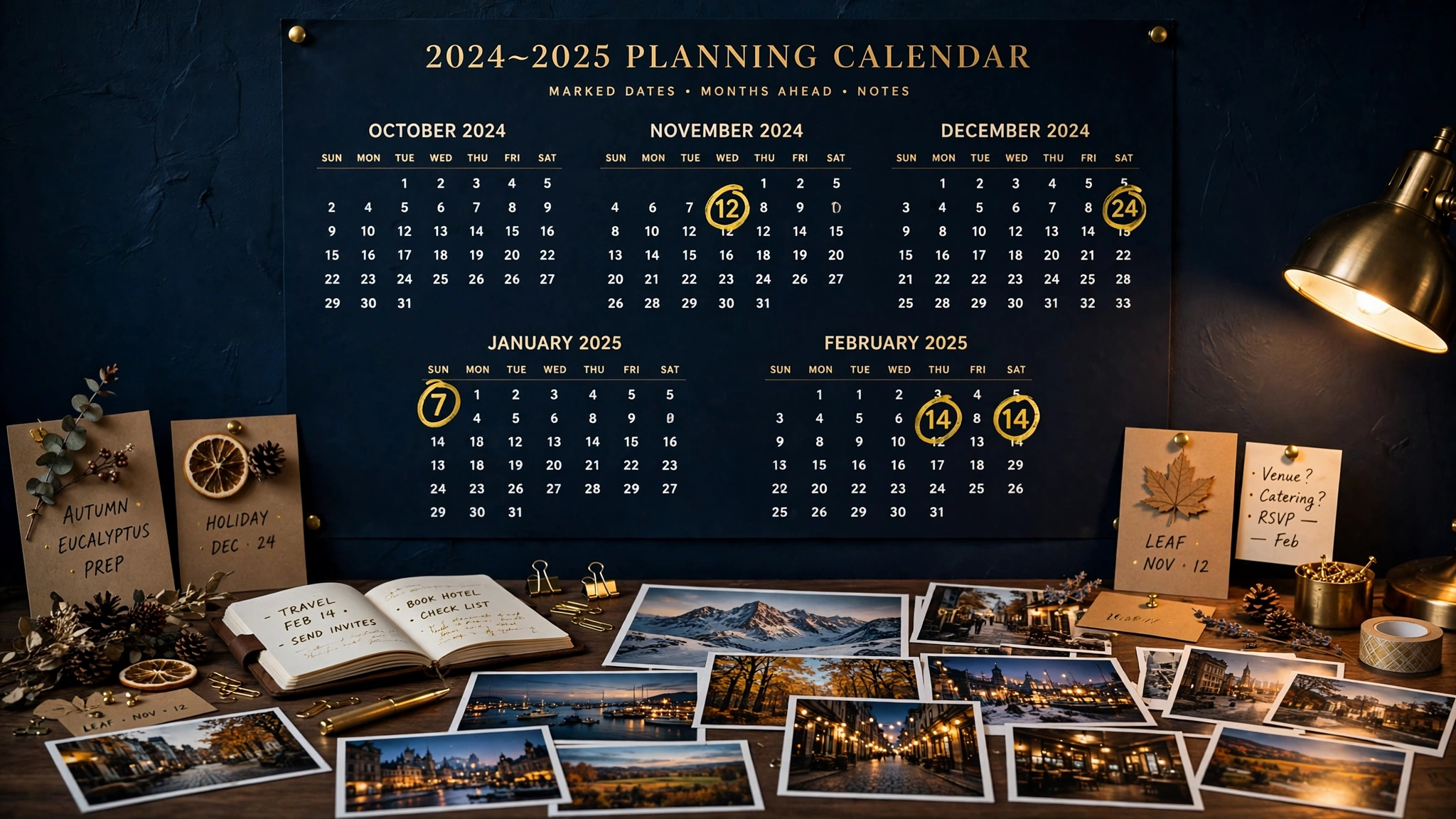
Building the Calendar: One Page Per Season
For each season, build one planning page with five columns:
- The date and the publish-by date. Take the event date and count back 45–90 days. That’s your real deadline.
- The search terms. Write down what people actually type — “wedding guest outfit ideas”, “Ramadan table setting”, “back-to-school lunch ideas for teens”.
- The 10 best pins. Which of your existing pins already answer that search? What would you have to make?
- The design batch. Ten pins per season, made in one sitting, just like the Pinterest Campaign Structure playbook recommends.
- The publish order. The lead pin, the supporting pins, then the up-to-date pins in the final week.
That page, filled honestly, is your pinterest content calendar. Everything else — your board names, your weekly template, your fresh content cadence — hangs off it.
The AI Production Sprint
Seasonal work fails when it’s left to seasonal weeks. Instead, run it as a single production sprint. Sit down for two days, and do every season at once — wedding designs, Ramadan designs, back-to-school designs — then schedule the output for the next six months. You only have to think once, and the calendar does the thinking for the rest of the year.
- Batch the designs. This series’ AI pin design workflow was built for this: one prompt set, ten variations, then the next season. The prompt sets from the AI for Pinterest for Beginners guide transfer almost unchanged.
- Use the schedule. Keep your evergreen images in the usual rotation and use the scheduling slots for seasonals. If your standard board has five slots a week, the two strongest seasonal pins take two of them.
- Leave the last 20%. A seasonal campaign is never fully finished in advance. Leave room for the real trends, the breaking search terms, the ones you didn’t predict. The plan gets you 80% done; the last 20% is real-time.
A Worked Example: Ramadan, Planned Backwards
Take Ramadan 2027, expected to begin around 8 February, and run the calendar backwards:
- Early December (60+ days out): publish the core food and decor pins, the “Ramadan table setting” searches, the ideas people save first.
- Late December (45–60 days out): publish the supporting pins — the checklists, the recipes, the printable planners.
- Early February: publish last-minute pins — “last-minute Ramadan gift ideas”, “easy Ramadan dessert” — and then stop. When the month begins, the search moves inside it: daily duas, iftar menus, what to cook tonight.
Notice what never happens: nobody is designing pins in February and wondering why nothing is ready. The work was done in December and January, and while everyone else is scrambling, you’re watching saves arrive on pins you published weeks ago. Three strong seasons executed properly beat twelve rushed ones.
Refresh, Don’t Restart
The second year of a seasonal calendar is where it starts to pay compound interest. Your first year, you made the wedding board, the Ramadan board and the back-to-school board from nothing. Next year, you refresh them with new data: new search terms, new designs, new saves on the winners. Refresh the pages with a better seasonal calendar and you’ll keep more of your traffic and never lose sight of your next season.

Your 12-Month Seasonal Map
Pull it together like this: list your three anchor seasons with their publish-by dates on one page. That’s your whole year in one view. Attach the dates to the calendar and start designing 90 days out.
Then let the engines help each other: the same seasonal topics become faceless videos and newsletter features, in the same order, with the same dates. A wedding search in February becomes a wedding video in March. Ramadan food searches become iftar videos in the same week. The hard part is the timing, and you already solved it.
Seasons are the closest thing content has to a timetable. Everyone else is publishing in the moment. You’re publishing before it. Build the calendar once, follow it twice, and after a year you’ll have the rare thing in this game: a plan that actually works. The first season you get right will pay for the work several times over — and when the next season starts, you’ll be ready before it does. You’ll already be collecting the saves.
